Open the Application page to create new applications and view messages about the system. If you need to test a trip, click the Route Evaluation Application tool link.
Navigate to the Application screen by clicking the Application link on the Main Link Bar.
The Application page opens.
Enter the Permittee Name or th DOT Number in the field provided; while you type, the system is already searching the database for matching information. Choose from the available options.

Note: Most of the time, you will need to enter no more than three digits before the system begins presenting you with likely options.
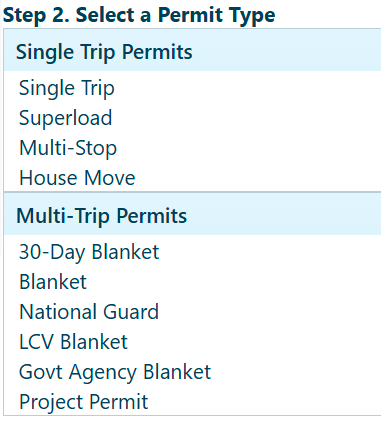
In the Select a Permit Type area, choose from the available options.
A new Application page opens with the hauler-specific information automatically populated.
Use the Route Evaluation Application tool to plan and evaluate your route.
Click the Route Evaluation Application link to open an abbreviated application page.
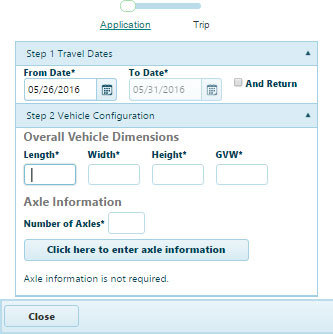
In the Travel Dates area, click the calendar icons to choose both a From Date and a To Date.
In the Vehicle Configuration area, enter your Overall Vehicle Dimensions in the fields provided and supply the Number of Axles.
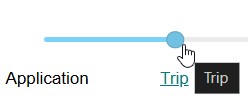
Slide the Progress Bar to Trip.