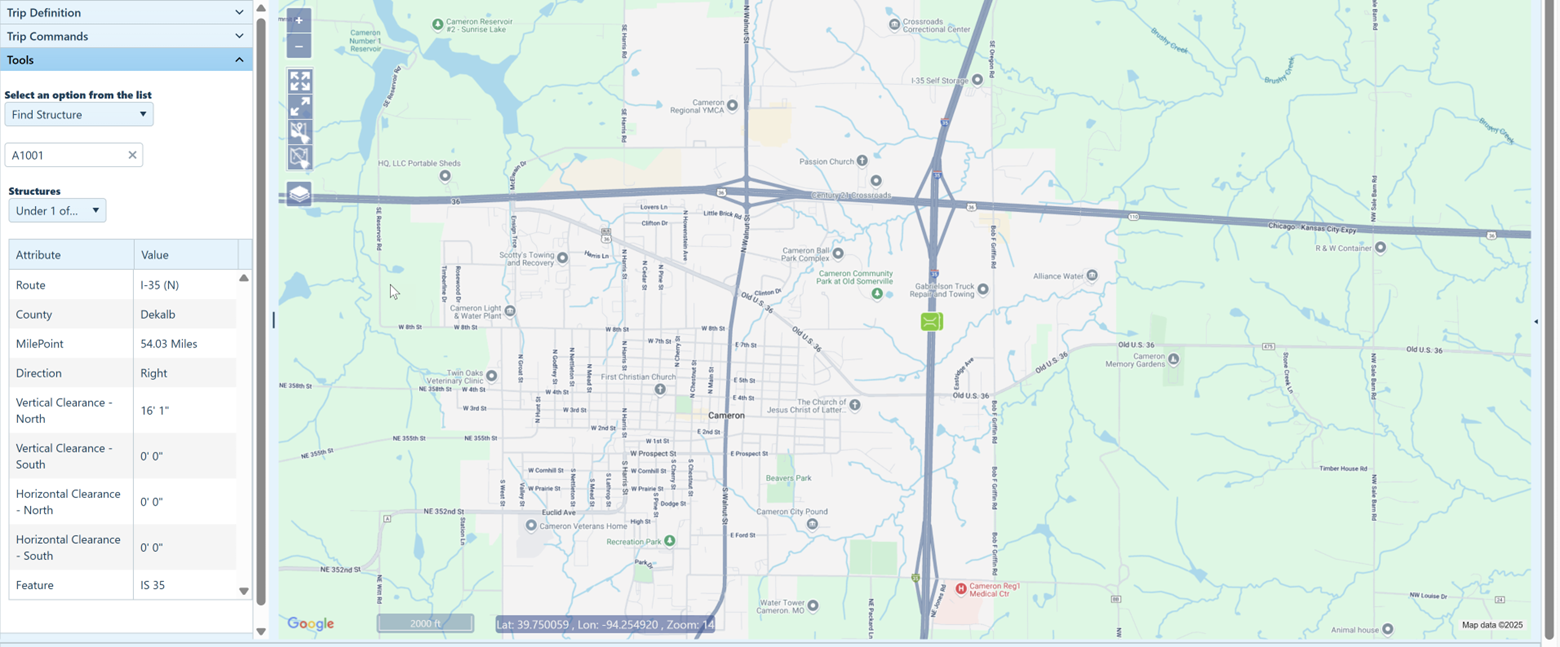
Use the Find Structure function to search the database for structure and then to present the results of that search on the map.
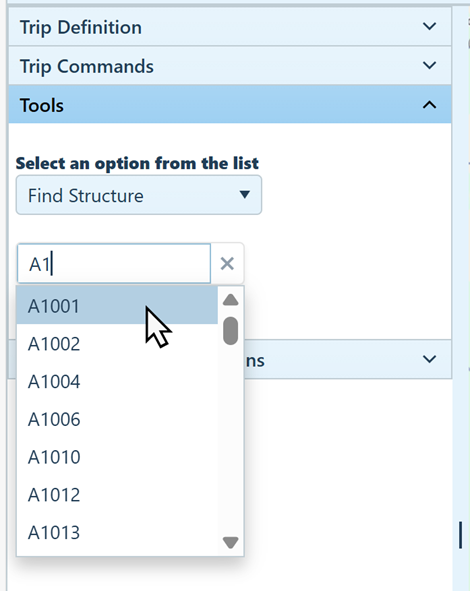
With an application open to the Trip page, access the Tools pane, then choose Find structure from the drop-down.
Enter the first three digits of the structure ID in the field, then pause while the system finds matching records. When the options appear, choose the desired structure.
When the database scan is complete, the results will display on the Map.