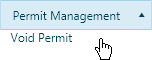
Use the Void Permit page to prematurely terminate an issued permit.
Navigate to the Void Permit screen by clicking the My Admin link then choosing Void Permit from the Permit Management pane.
Enter the Permit ID or Application ID in the field provided; while you type, the system is already searching the database for matching information. Choose from the available options.
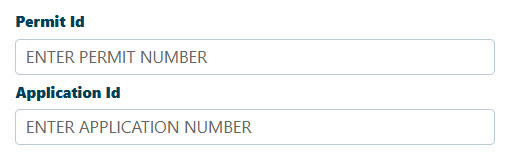
Note: Most of the time, you will need to enter no more than three digits before the system begins presenting you with likely options.
Check the Anywhere in the Name box to have the system find matches that contain the letters for which you are searching within words rather than only at the beginning.
Note: If you identify the desired permittee, the remaining fields on this page will be populated from the database.
You must supply a Comment in the field provided.
Click the Submit button to cancel the permit or click the Reset button to clear the fields.