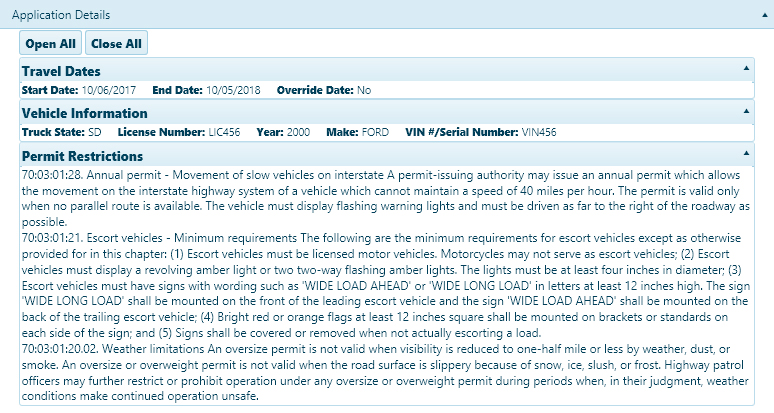
The Review page presents all of the application information collected in one place. Carrier, Vehicle, Axle, and Load information in addition to Travel Dates and Overall Dimensions come from the Application page. Route Information comes from the Trip page. Application Attachments and Permit Restrictions come from the Restrictions page.
Note: Only the Comments section of the Review page can be edited. To make changes to any of the other information, you must return to the appropriate page and revise the existing data.
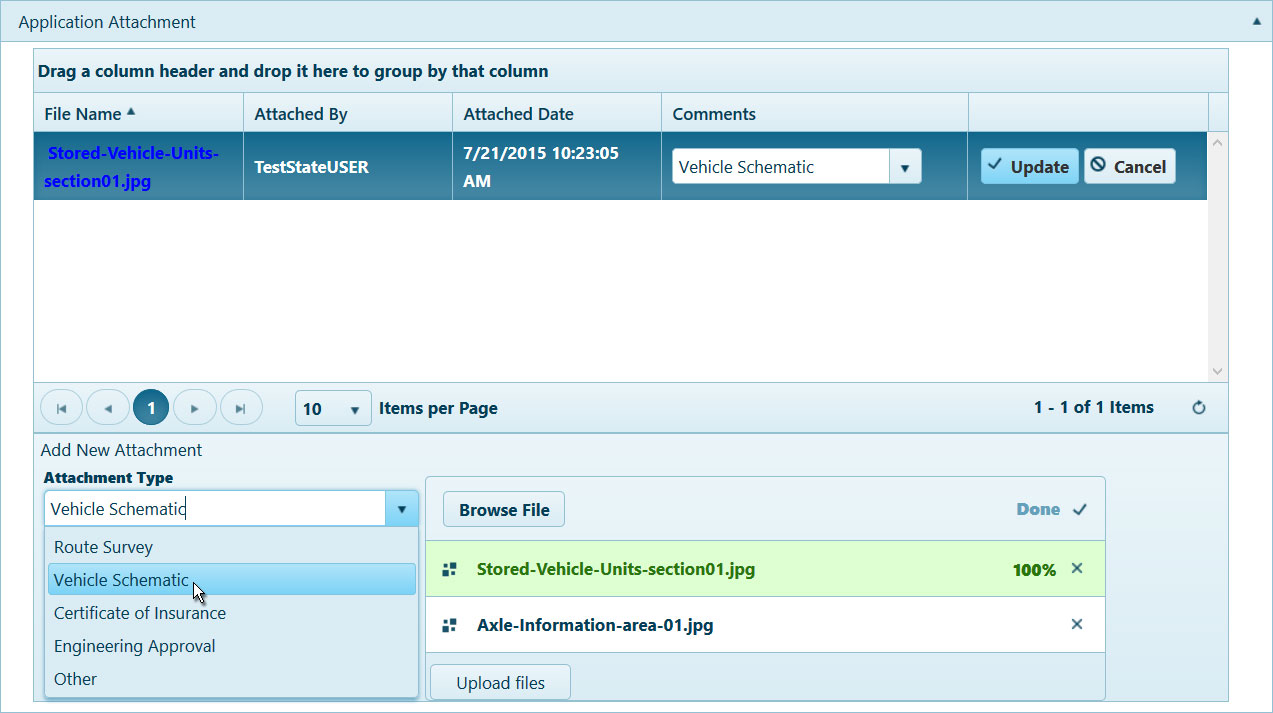
In the Application Attachment area:
Expand the Attachment Type drop-down and choose from the available options or enter a brief description of the files that you wish to attach.
Click the Browse File button and navigate to the desired document or image then click the Upload File button.
The progress bar will fill while the file is attached.
When the attached file appears in the table, click the Edit button to open the Comment options.
In the Comments area, enter any additional information in the text box. Previously recorded comments are organized in the table below.
When you have finished reviewing the information, choose one of the following actions:

Back – click this button to return to the most recently visited page of the application
Save – click this button to update the application record with any changes you have made
Go To:
Trip – click this button to open the Trip page of the application
Restrictions – click this button to open the Trip page of the application
Continue – click this button to evaluate the application for missing information then proceed to the next page
Return to Permit Office – click this button to send this application to the issuing authority
Approve – click this button to confirm that the application is correct
Deny – click this button to reject the application
Close – click this button to leave the application