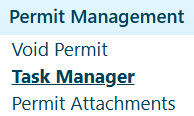
Navigate to the Permit Alert screen by clicking the My Admin link then choosing Task Manager from the Permit Management pane.
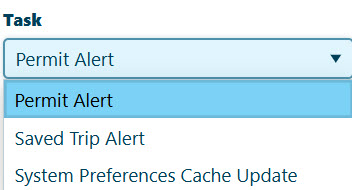
Expand the Task drop-down and choose System Preferences Cache Update.
In the Email Address field, type your email address.

Click the Run System Preferences Cache Update button.
-
The system schedules the update and sends a confirmation to the email address you entered. and You can see the newly scheduled update in the list displayed on this page.