Use the Route Evaluation page to test a set of vehicle dimensions against a route.
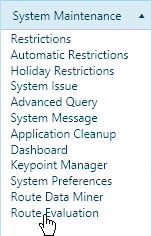
Navigate to the Route Evaluation screen by clicking the My Admin link then choosing Route Evaluation from the System Maintenance pane.
Click the calendar icons to choose a From Date and a To date then enter the Overall Vehicle Dimensions and the Number of Axles.
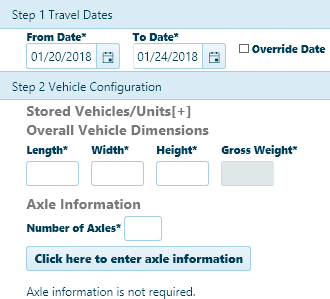
Note: If you wish to include additional axle information click the [+] button to open the Axle Information area.
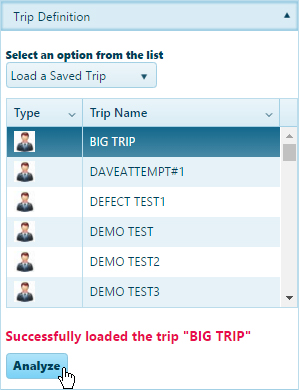
Use any of the Trip Definition options to construct a route then click the Analyze button to validate that a vehicle with the defined dimensions is permit-able on your chosen route.