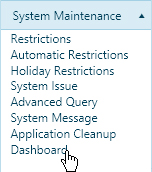
Open the Dashboard to view Application and Permit numbers, System Issuance statistics, and Permit Turnaround Time on system-generated charts.
Navigate to the Dashboard screen by clicking the My Admin link then choosing Dashboard from the System Maintenance pane.
On the Dashboard page, expand the Select Charts tree by clicking the small arrows to view the available options.
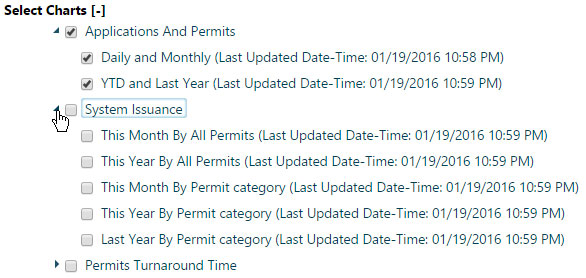
Check the boxes of the charts that you wish to display on the page.
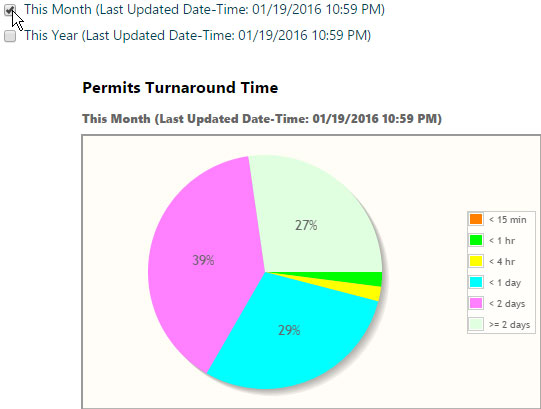
Remove charts from the page by removing the check from the appropriate box.